Is the Brother Skitch Embroidery Machine Worth It?
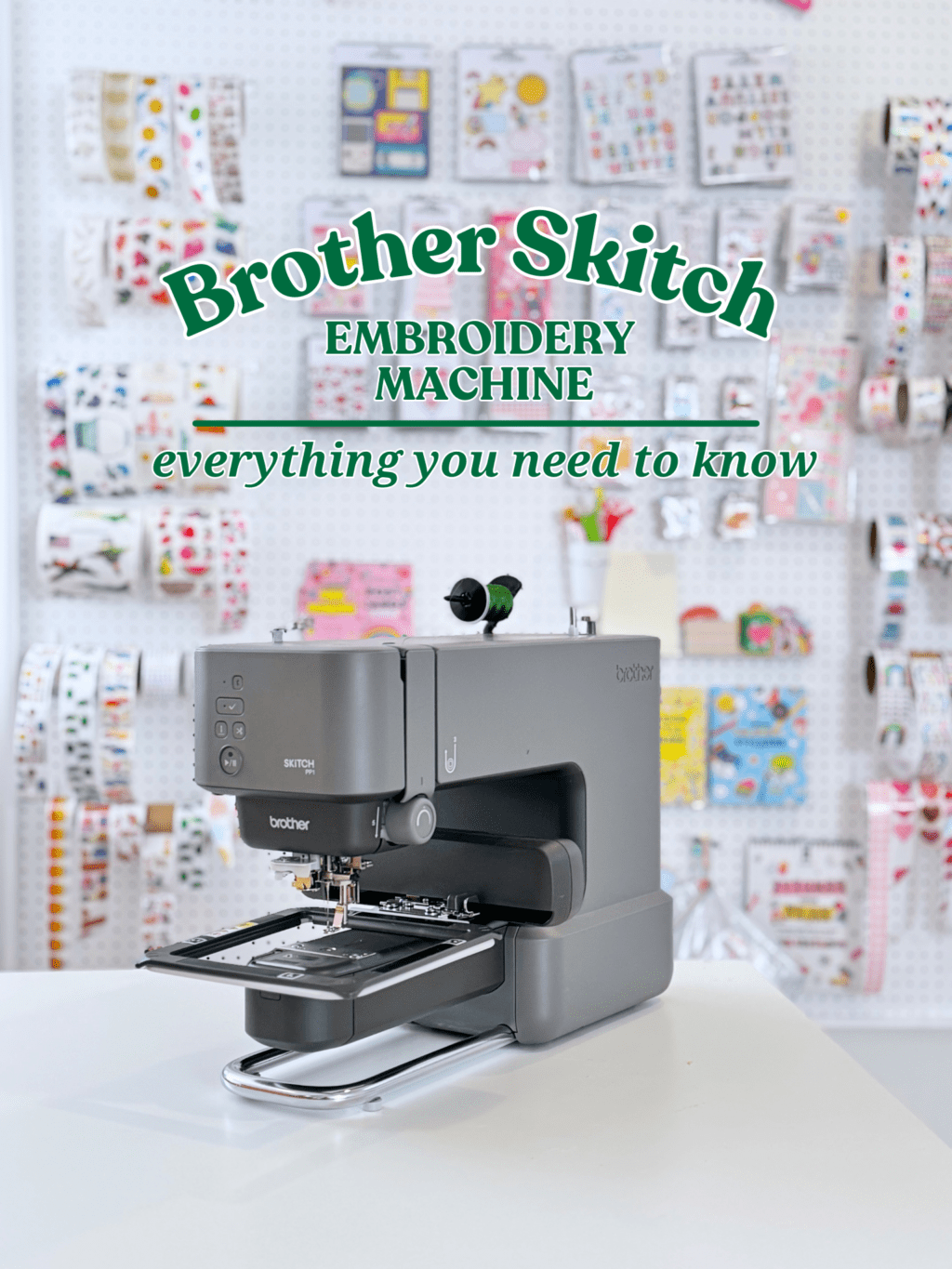
Embroidery is having a moment. Lot’s of crafters are picking up needle and thread to embroider by hand. Many are opting for machine embroidery to create custom Boat & Tote bags and more. If machine embroidery has piqued your interest, then you may have already started shopping around to purchase one. Spoiler alert: they are expensive! They also have a pretty steep learning curve depending on the model you purchase. Enter: The Brother Skitch Embroidery Machine. The Brother Skitch was designed to be an entry level embroidery machine. It is also more affordable than most other machines.
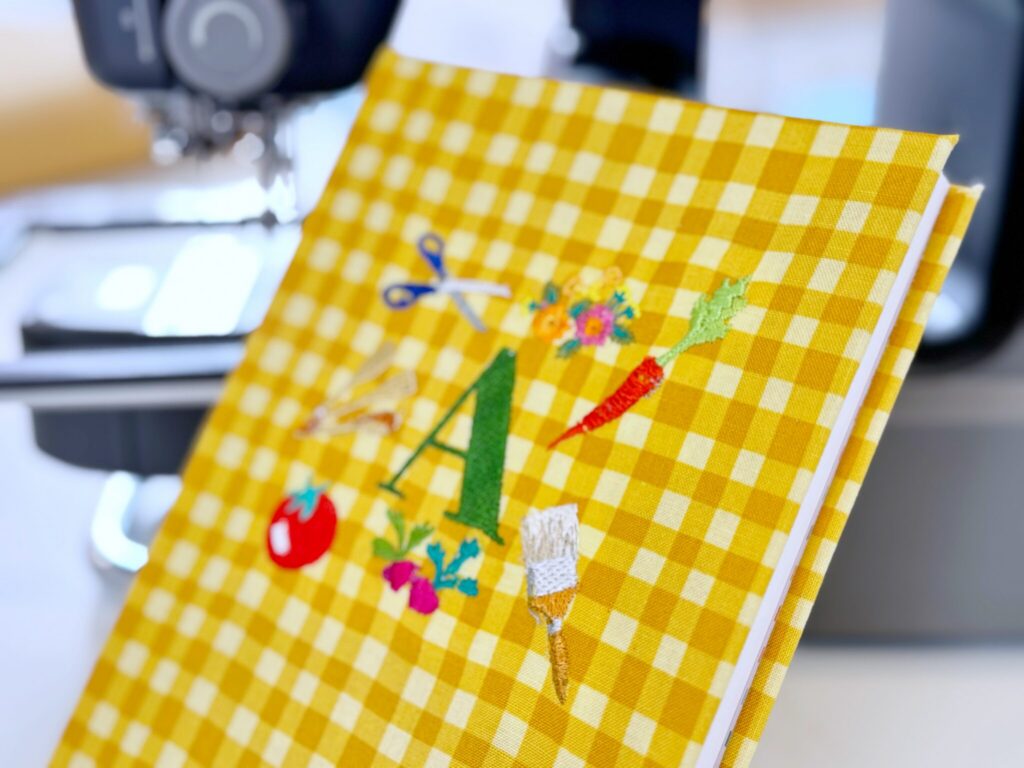
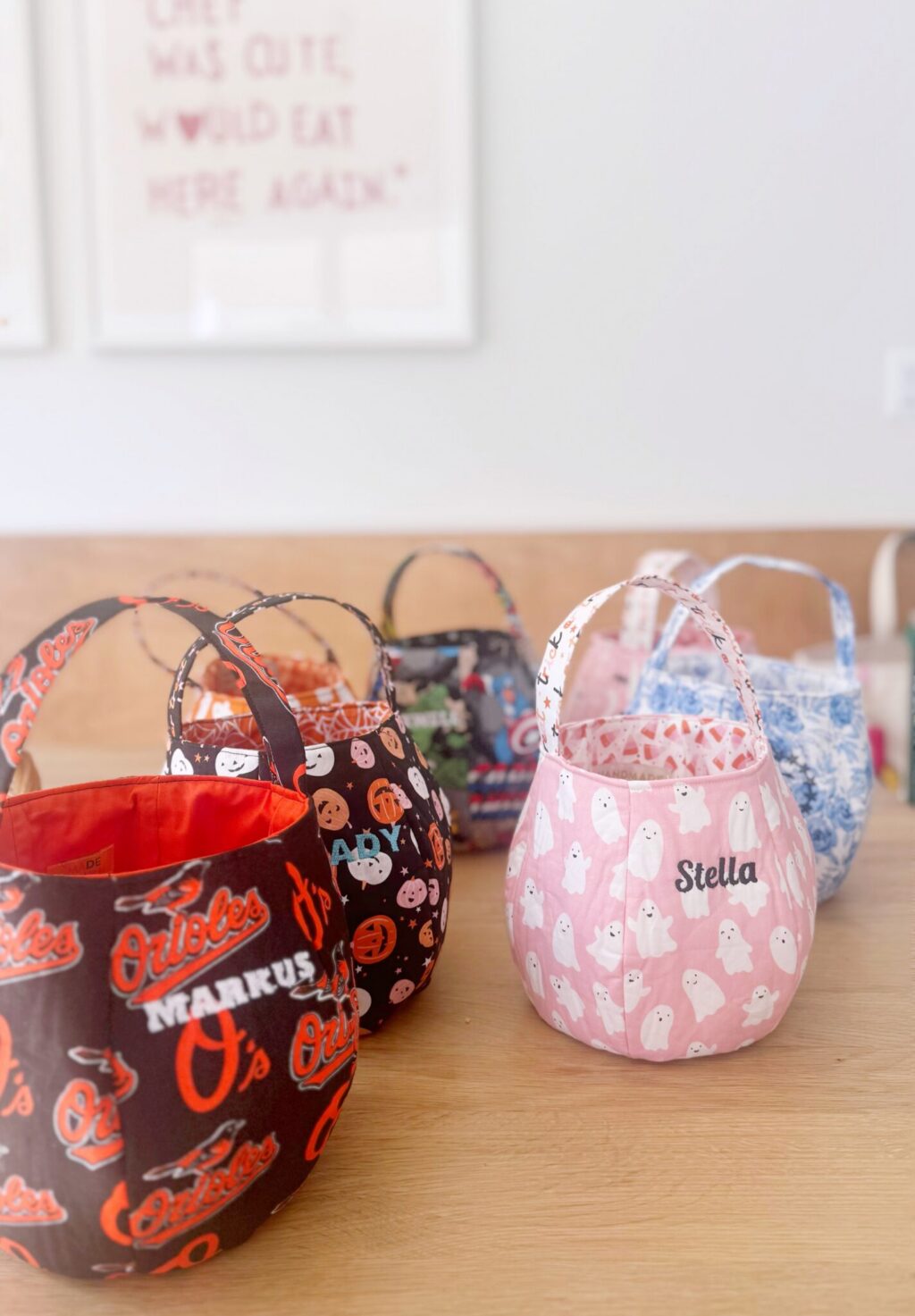
The Brother Skitch offers an easy, modern approach to embroidery. It is perfect if you want to add small embroidered details to projects. It is great for the casual crafter who wants to tackle small projects or add customization to small store-bought products.
What is the Brother Skitch Embroidery Machine?
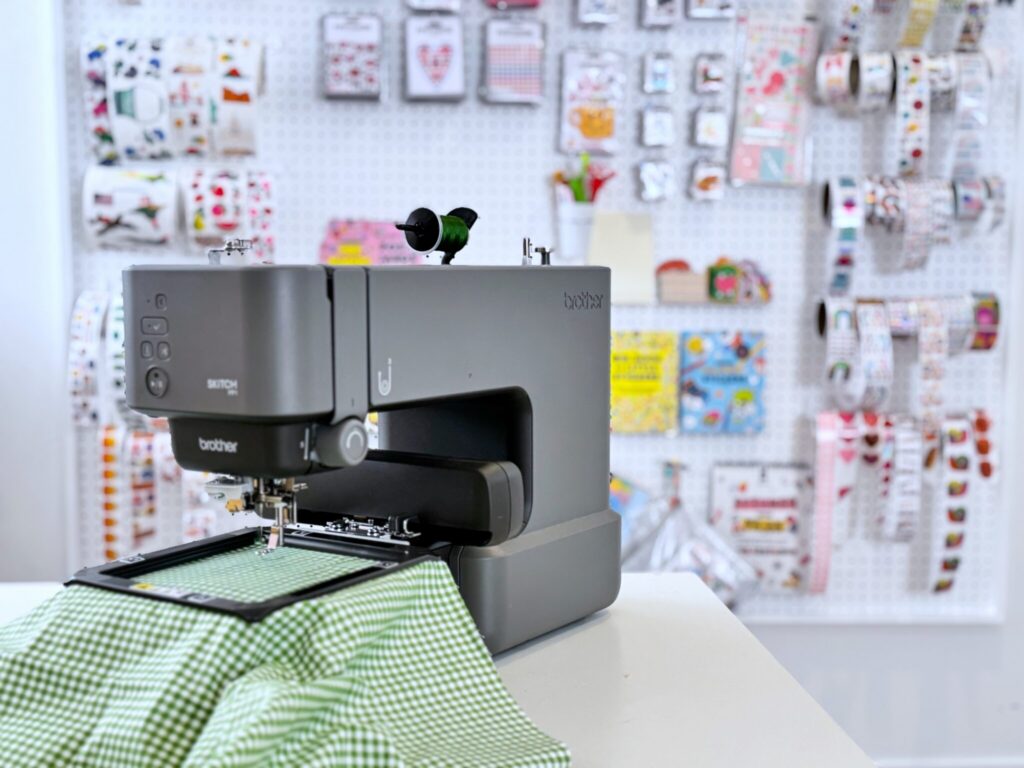
The Brother Skitch is a compact, embroidery-only machine that is designed for beginner and casual crafters. The machine is portable, lightweight and takes up a very small footprint in your crafting space. Think: small sewing machine.
The dimensions of the Brother Skitch are 9w x 17d x 12h.
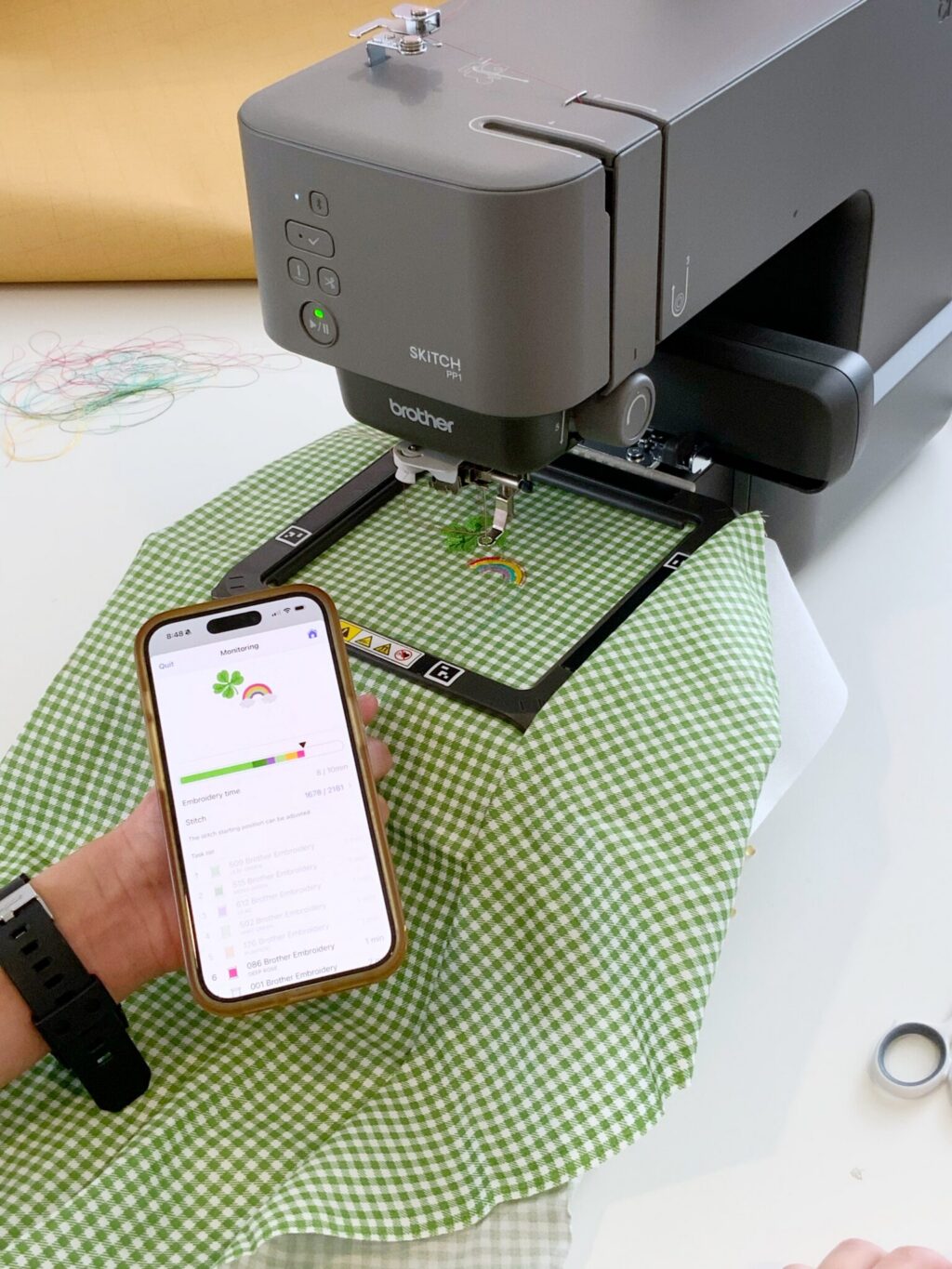
The Skitch works connects wirelessly with the Brother Artspira App which you’ll use to design and send projects to the machine.
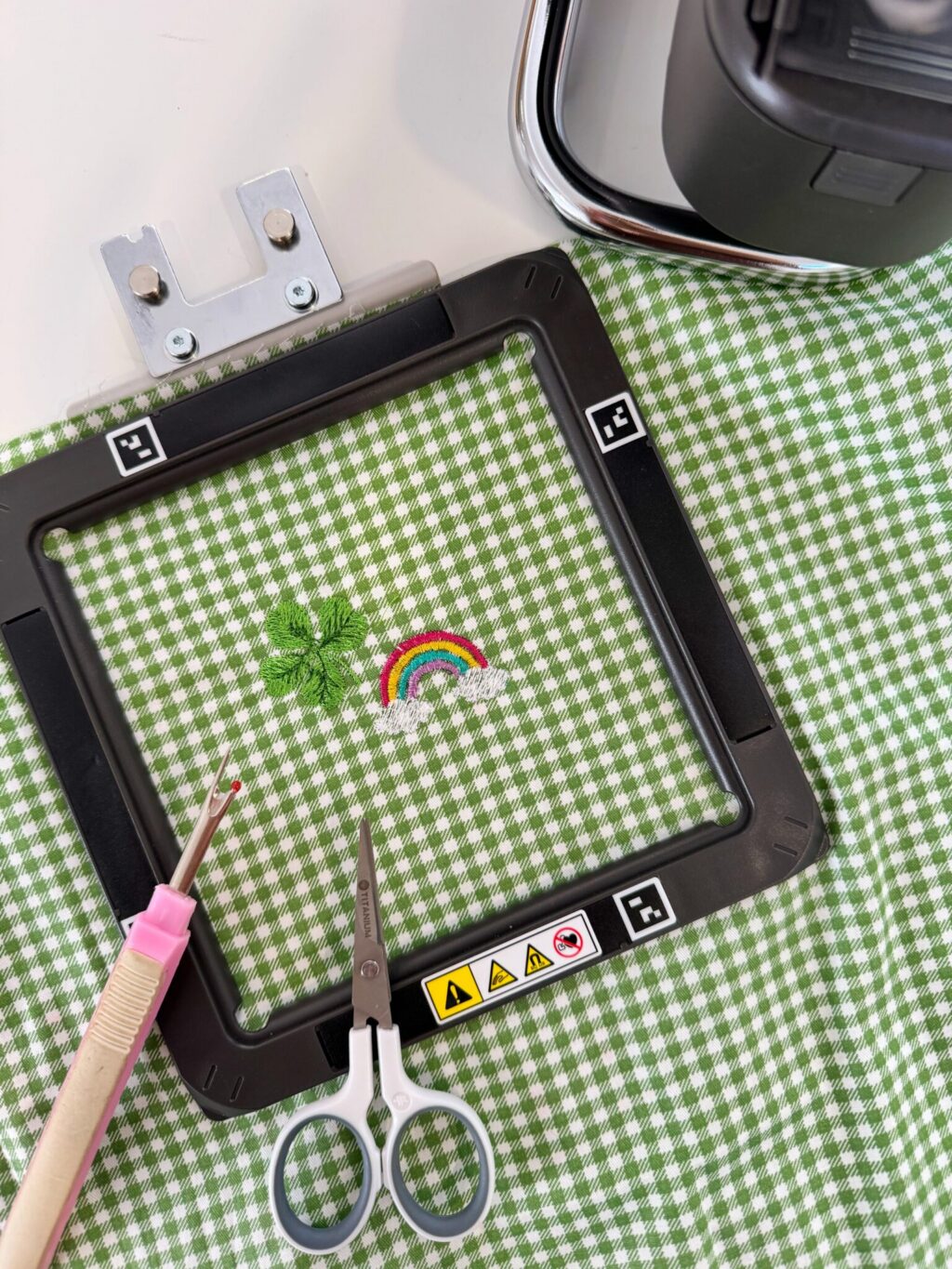
Unlike traditional embroidery machines which use a hoop with screws, the Skitch uses an magnetic hoop. The magnetic hoop is quick and easy to use, however it does limit the thickness of material you can use. Thick, heavy-duty fabrics will not work in the Brother Skitch magnetic hoop.
The hoop allows for 4×4″ designs. This is great for making small customized details to your projects.
The Skitch is a single needle embroidery machine. This means it will only embroider one color at a time. If you want to embroider a multi-colored design, you’ll need to change the thread color manually each time. The Artspira app makes it easy to know when you will need to change the color and which color is up next. The app also lets you know how many minutes each section of the design will take.
What Comes in the Box?
- Brother Skitch Embroider Machine
- 4×4″ magnetic embroidery frame
- Starter Embroidery Threads
- Bobbin & Bobbin Case
- Power Cord
- Quick Start Guide & Instructions
- Access to the Artspira App
I HIGHLY recommend you also have the following on hand, so you can start creating immediately!
- A set of embroidery thread colors – you’ll be able to do so much more with a full set of colors to choose from
- Stabilizer material – It is much easier to embroider on thinner, flexible fabrics (i.e. felt, quilting cotton) when you’ve backed it with stabilizer first.
- A pair of curved scissors for cleaning up any stray strings on your design after the embroidery is done. Curved scissors are key since they allow for a flush cut.
- Stock up on blank fabrics that you love. I suggest solid colors or muted patterns. This way your embroidered designs will stand out. Also, grab some fabric napkins from Homegoods! Custom fabric napkins are so fun to make.
What Can You Make with the Brother Skitch?
| What the Brother Skitch CAN do | What the Brother Skitch CANNOT do |
|---|---|
| Small Projects (cocktail napkins, scarves) | Large Projects |
| Cotton Fabric | Thick, Heavy Canvas |
| Felt | LL Bean Boat & Tote |
| Medium to Large Text | Small Text |
| Medium Weight Denim | Thick Denim |
| 4×4″ Designs | Designs larger than 4×4″ |
| DIY Patches | Jacket Backs |
Should I Buy the Brother Skitch?
Great question! I think the best way to figure this out, is to take a little quiz. Answer the questions below and I’ll let you know if the Brother Skitch is right for you!
Answer these questions and I’ll let you know!
Results
Based on your responses, the Brother Skitch Embroidery Machine would be perfect for you! I can’t wait to hear about all the projects you make!
Based on your responses, you should probably opt for a more heavy duty embroidery machine. I would recommend the Brother NQ1700E Machine. With it’s 6×7″ embroidery area you”ll be able to tackle larger projects. This machine can also take on thicker fabrics like the beloved LL Bean Boat & Tote which is so fun to personalize with embroidery.


#1. Do you own an embroidery machine?
#2. Which best describes a project you’d love to embroider?
#3. Which best describes your crafting space?
Frequently Asked Questions:
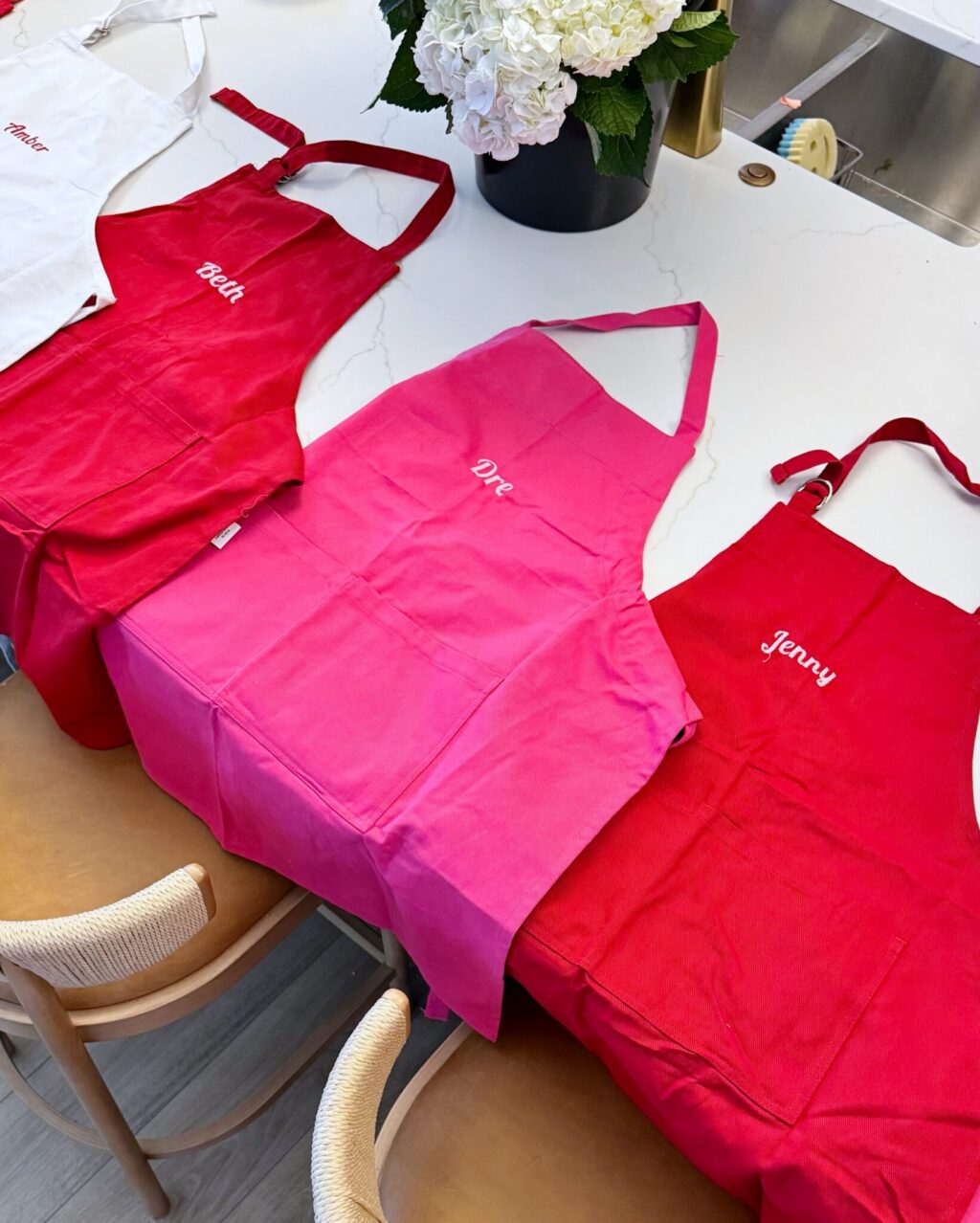
Can it stitch on canvas? In short, yes…but with some limitations. If the canvas is thin, you should have no issue. Thick canvas fabric, like duck fabric or the canvas on an LL Bean Boat and Tote, will not work with the Brother Skitch. This is because of the magnetic embroidery frame. Thick canvas is too thick for the magnets to hold it in place on the frame. This means, it won’t work in the machine. I’ve had success with thinner canvas fabric to create really cute tote bags and aprons.
What ready made products would work will in the machine ?
- Canvas Tote Bags
- Cloth Cocktail Napkins
- Canvas Aprons
- Cloth Napkins
- Scarves and bandanas
- Backpacks like I did HERE
- Towels – but admittedly I haven’t tried this yet so I’d recommend avoiding towels that are super thick, since they won’t hold in the magnetic hoop
Is it beginner friendly? YES! This machine is perfect for someone who wants to embroider but has never done it before. If you’re a newbie, this is the perfect machine.
Can you upload your own designs? YES! If you already have .pes files, you can upload these into the Artpira App. Be mindful of the size of the .pes file since it will need to fit in the 4×4″ area allowed on the Brother Skitch.
Can you embroider on a sweat shirt? YES! You definitely can. I found THIS video that walks you through the process. Remember: the Brother Skitch has a 4×4 embroidery area, so your design will need to fit into that size.
Font snob here!! What are the font options? The Brother Skitch works with the Artspira app. The app send your designs to the machine to embroider. There are a LOT of font options in the app. I haven’t felt limited. You can also import your own .pes embroidery files if you want even more options.
Is the Brother Skitch user friendly for over 50 year old? Yes. I think so…with one caveat. You’ll need to be relatively tech savvy since the machine requires the Artspira app. If you feel comfortable downloading and using the app, you are all set. Most embroidery machines need basic computer skills. I find the Brother Skitch very user friendly in this regard. If you are comfortable with other crafting machines like a Cricut or Silhouette, the Brother Skitch will be a breeze.
Are you limited to a small area? The Brother Skitch has a 4×4 embroidery area. That is the limit of what you can embroider. While this is smaller than many other machines, I find that I’m able to create lots of projects within these parameters.
Is it easy to learn? Is it similar to a sewing machine? Yes and yes. First, the Brother Skitch uses a needle and bobbin almost identical to that on a sewing machine. You wind the bobbin and thread the needle in the same way. When you unbox your Brother Skitch, the instructions are clear. They guide you through each step to set up and finish your first project. I find that it’s very easy to use.
How much does the Artspira app cost? The app is free for basic designing and uploading your own embroidery files. You can upgrade to the premium subscription for $12.99 per month. This allows you access to more design and advanced tools.
Additionally, the Brother Skitch is a game changer for anyone who already knows how to sew simple projects. You can add embroidered details to your fabric before sewing together the entire project. This opens up many possibilities for adding embroidery to larger projects. You only need to embroider a smaller piece of fabric before sewing everything together.
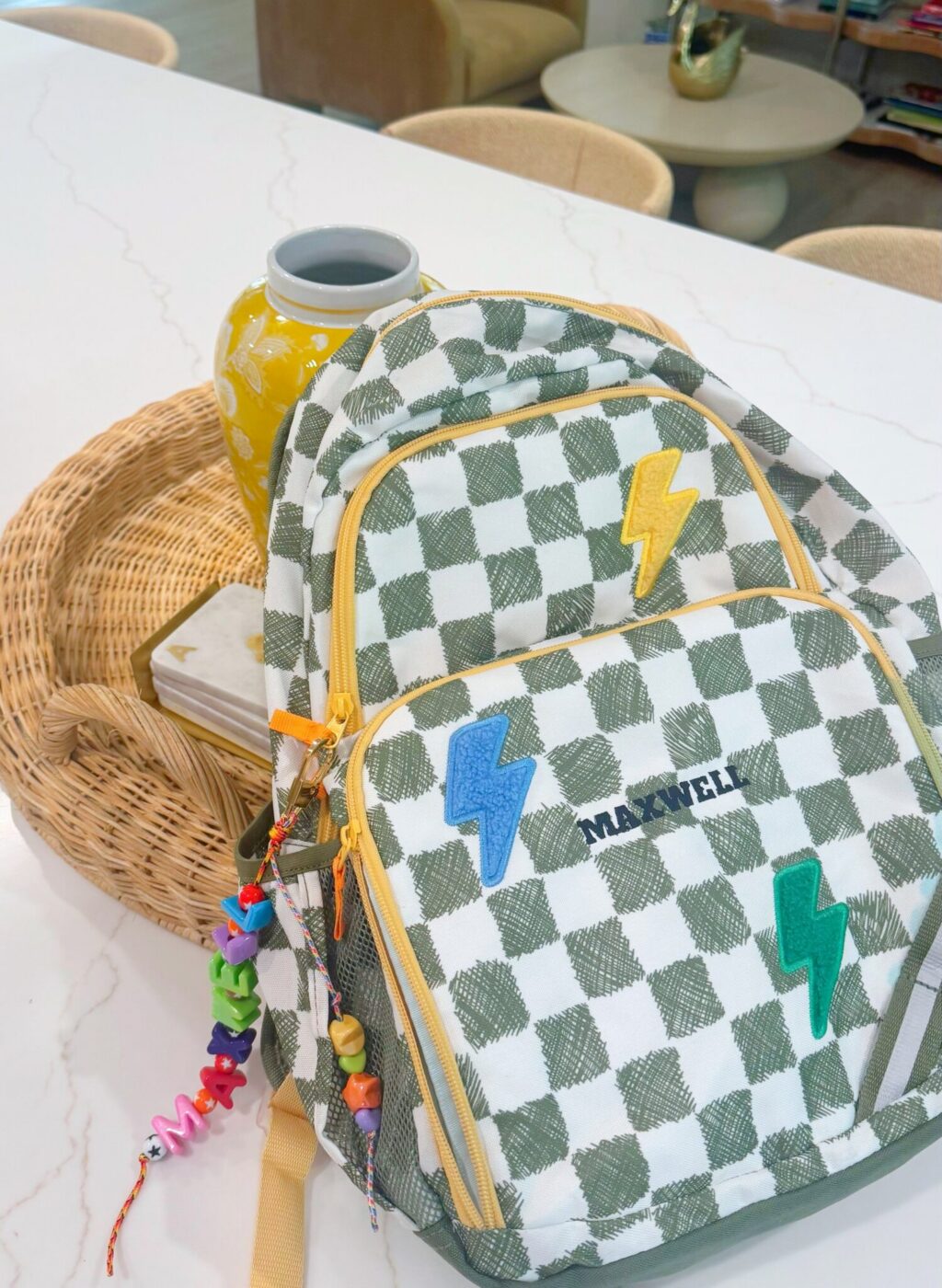
I embroidered Maxwell’s name onto this backpack. The large front pocket on the backpack fit easily into the magnetic frame of the Brother Skitch.